The 1st PPAVI Higher Education Research and Vocational Conference 2026
Use this guide to complete registration, payment, abstract review, and presentation publication.
Conference workflow
This Higher Education Research and Vocational Conference is synchronous and hybrid. Researchers, lecturers, practitioners, and students from PPAVI member and non-member institutions are welcome as presenters or attendees. Presentations follow the published date, time, and room or online-session schedule. Register once, then submit each abstract separately. The screenshots use fictional demo data; actual fees and deadlines appear in your conference account.
1. Choose how to register
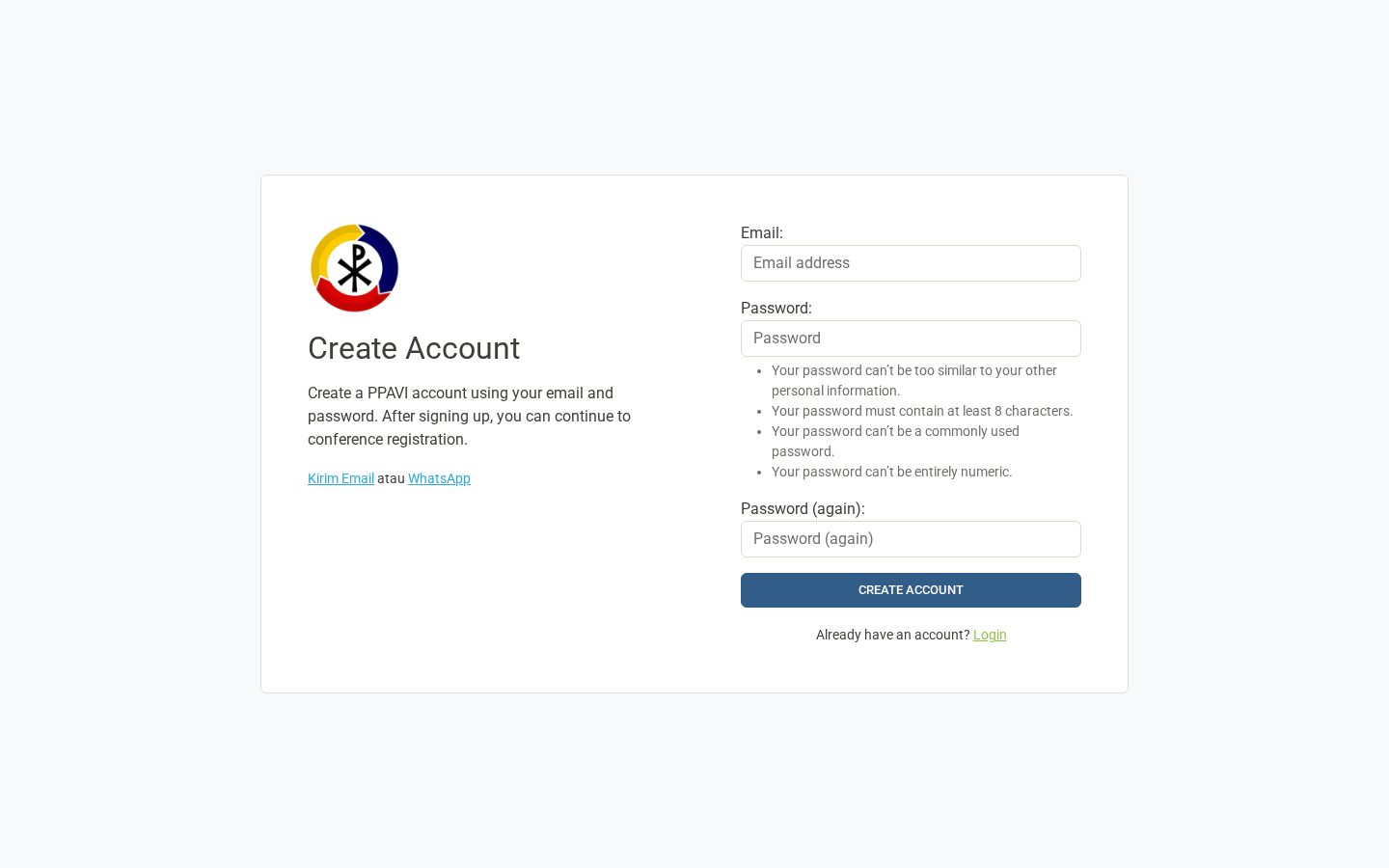
Open the registration entry page. If you already have a PPAVI account, find it by name or email and sign in with that account, even if you use another email for conference contact. Search results do not link accounts automatically. Otherwise, create a PPAVI account or continue as a guest.
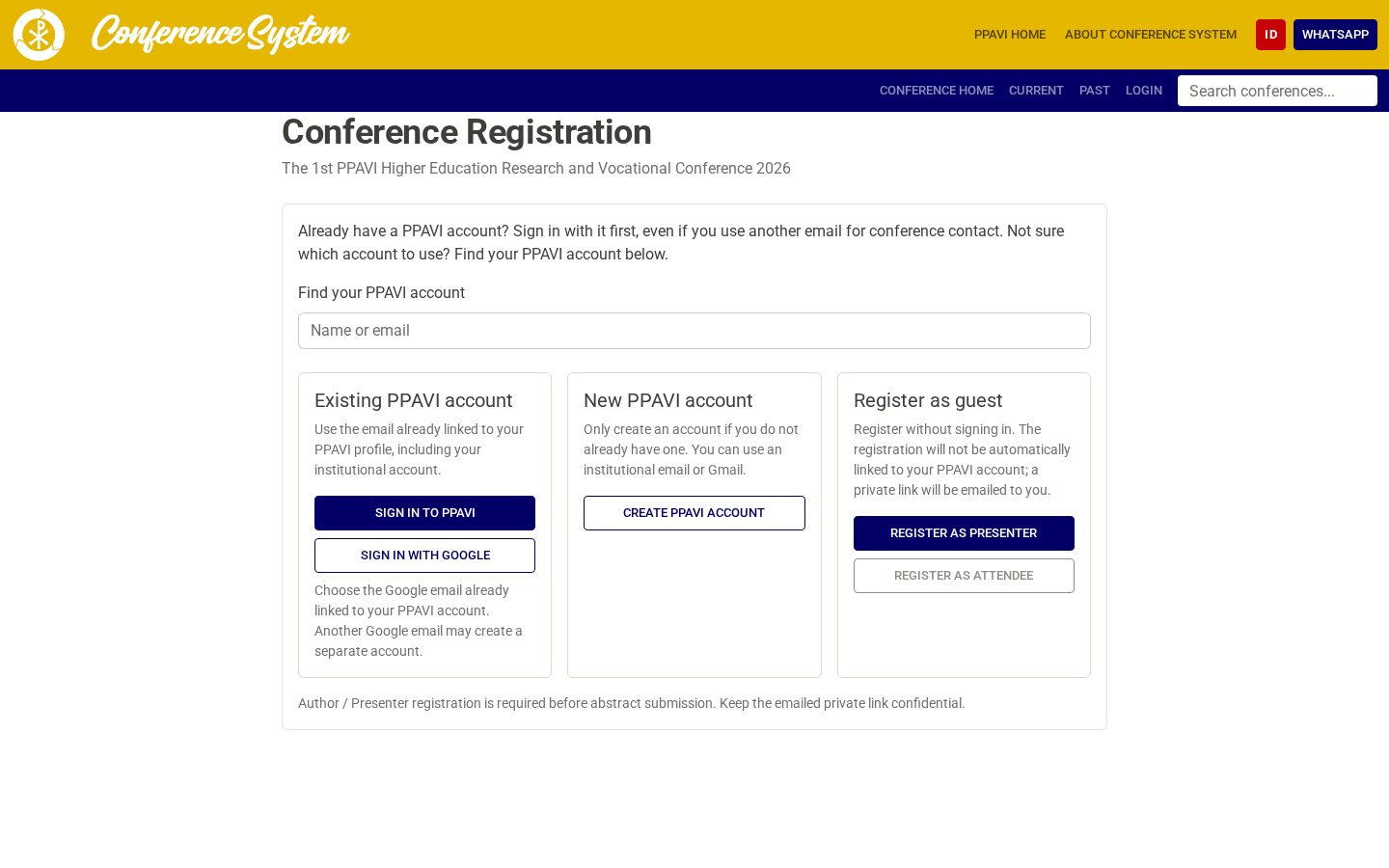
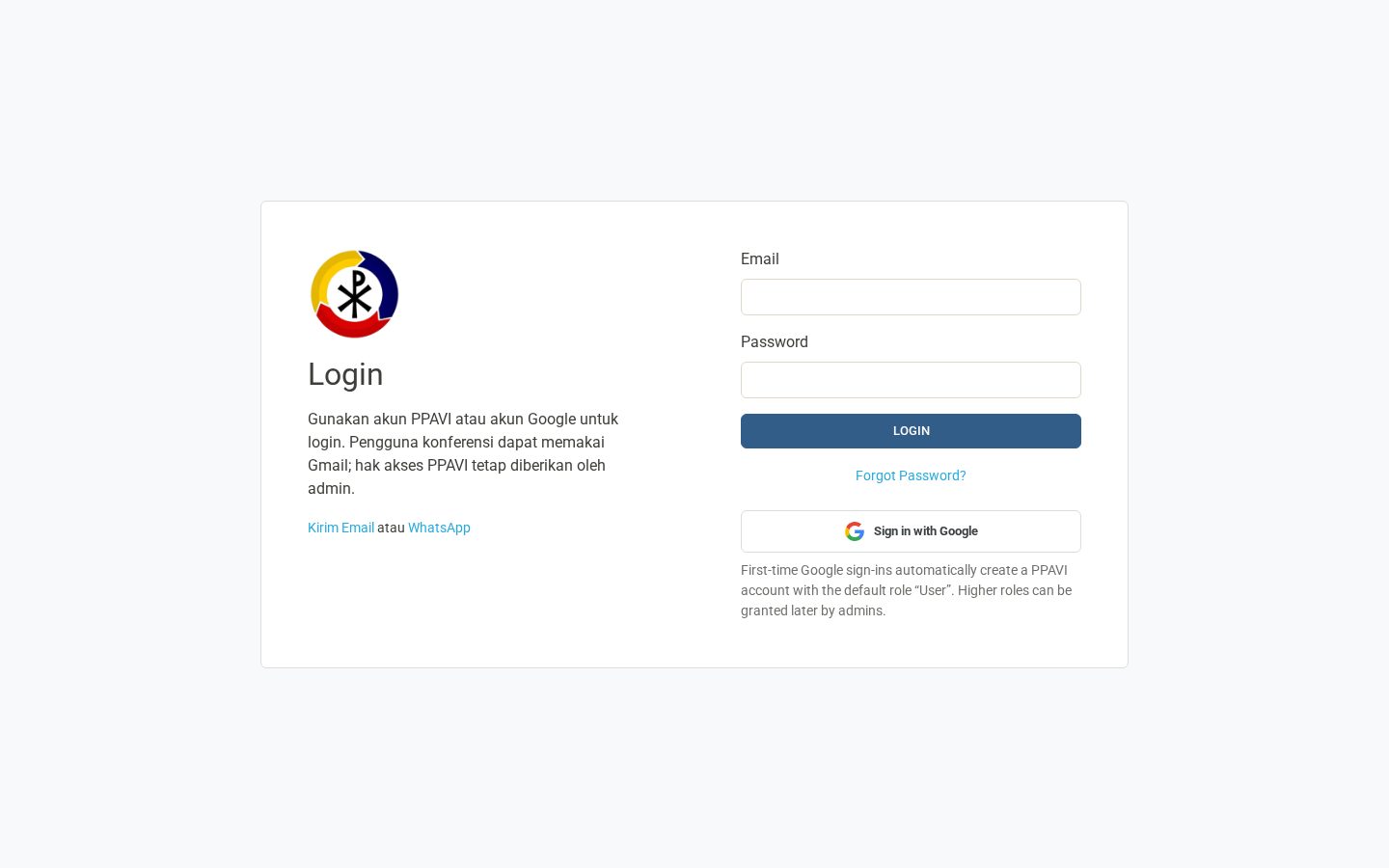
Use PPAVI sign-in for an existing account. Google sign-in must use the same email already linked to that account; another Google email may create a separate account. If you have no account, use Create PPAVI account. A guest should keep the private registration link sent by email.
2. Register as presenter or attendee
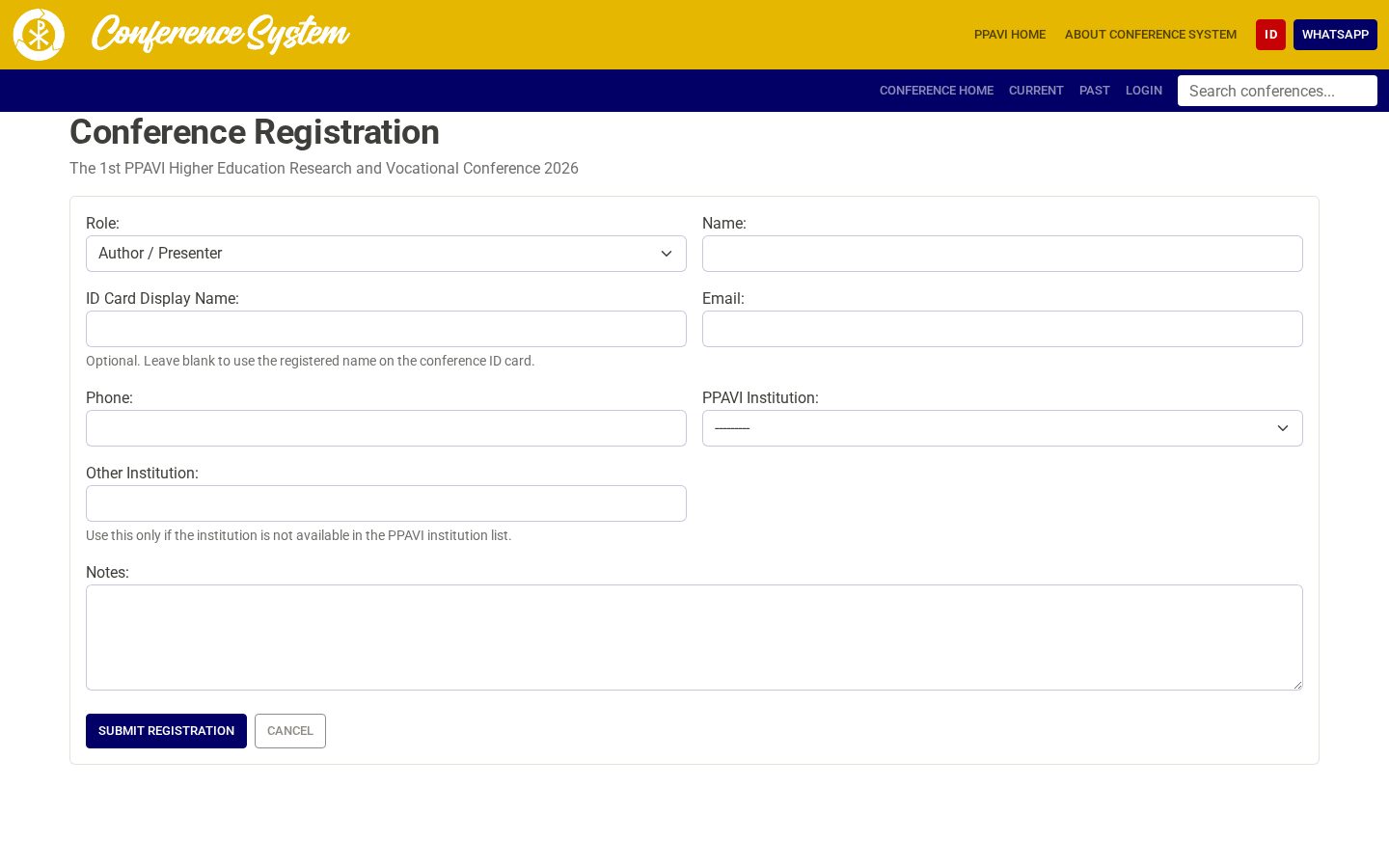
Choose Author / Presenter if you will submit an abstract. Choose Attendee if you will join without a presentation. Check your name, email, institution, and selected fee before saving. Your conference contact email may differ from the email of your signed-in PPAVI account.
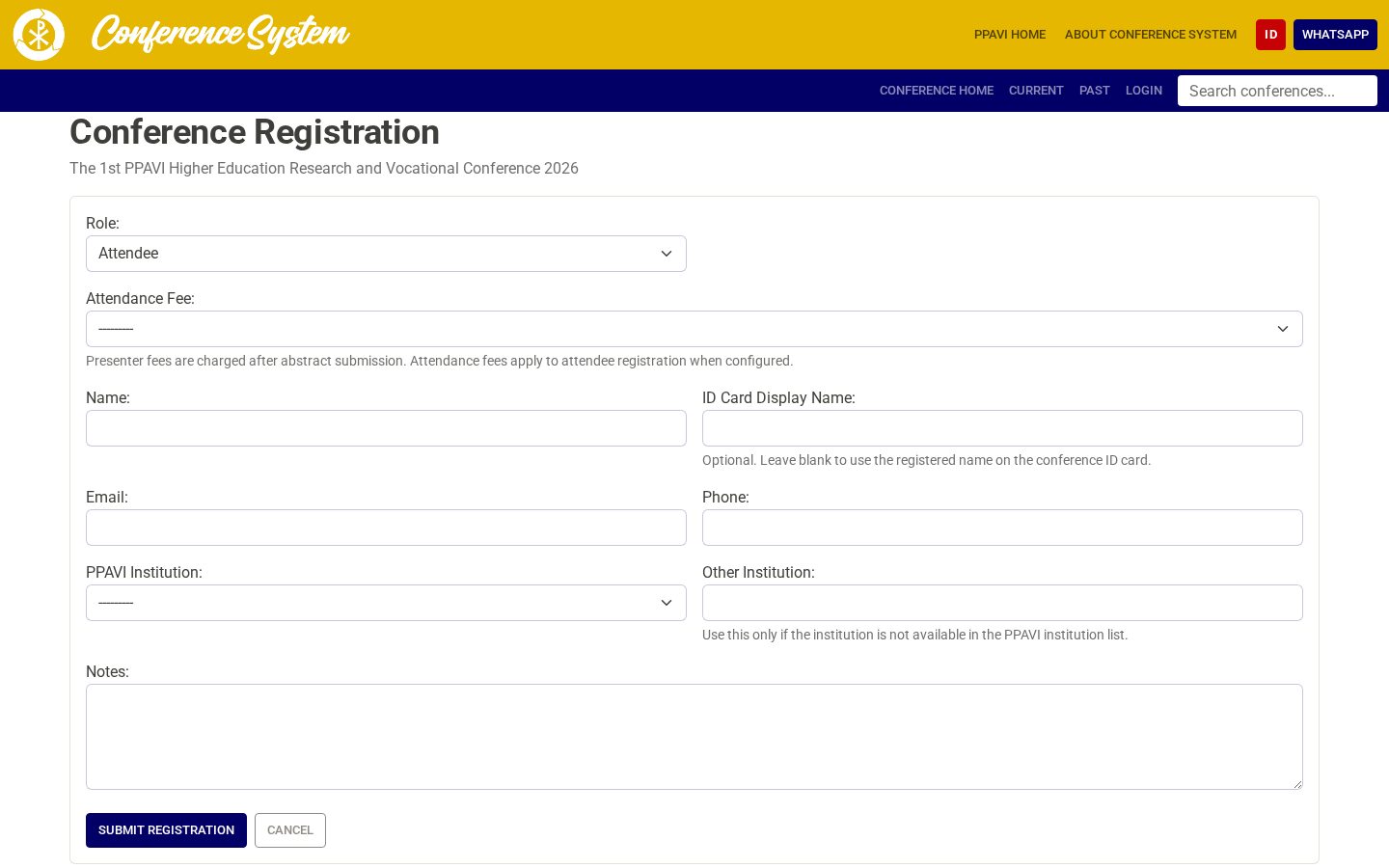
3. Submit an abstract
From My Conferences or your private registration link, create one submission for each presentation. Choose Oral or Poster, symposium, track, and topic; enter the bilingual title, abstract, keywords, authors, and affiliation. The general conference does not ask for a separate student-supervisor line. The abstract limit is 300 words per language; optional AI refinement can prepare a missing version while retaining the original text.
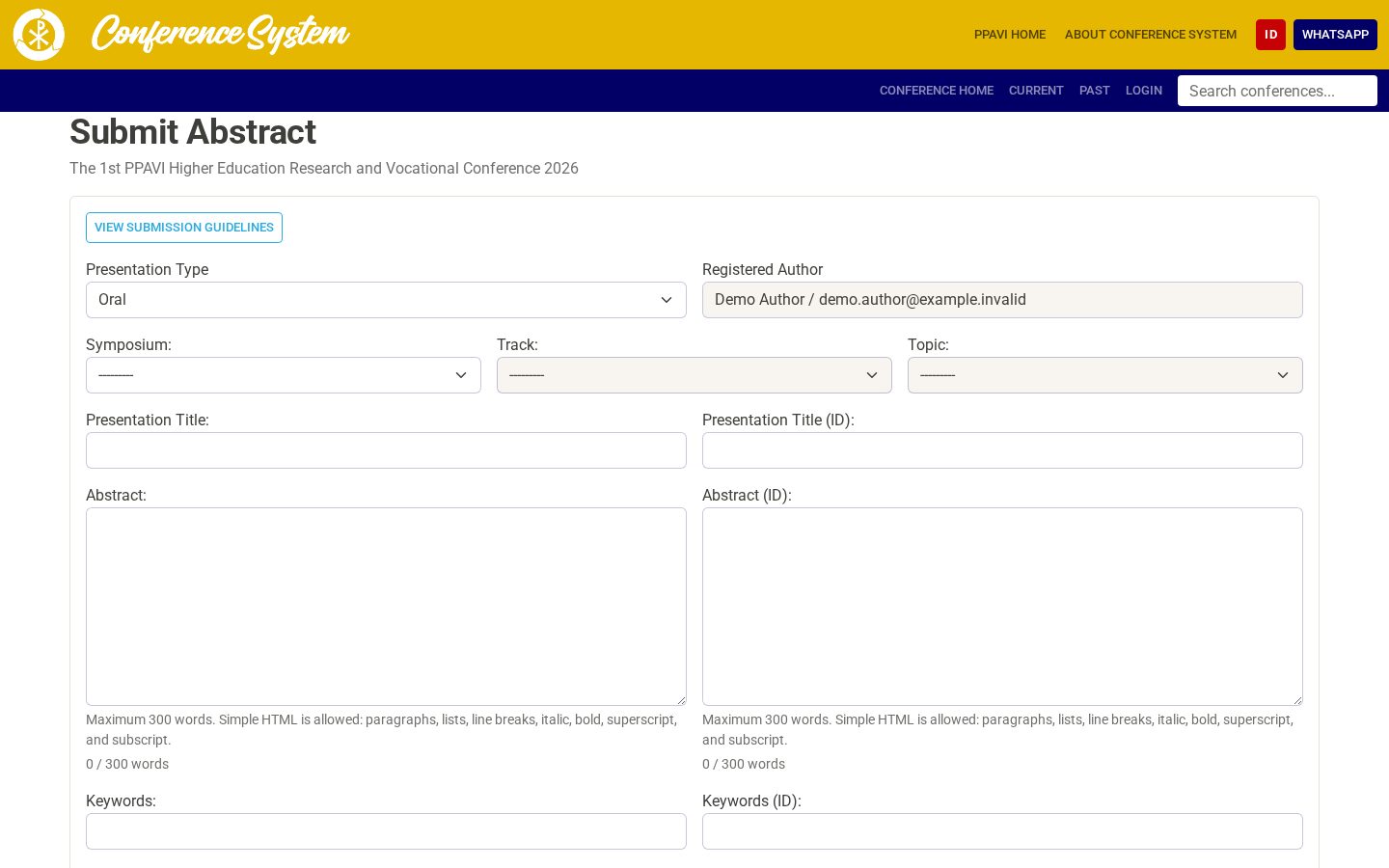
4. Follow review and pay the invoice
Monitor each submission's review decision. The committee may request revision, accept, or reject it. Presenter fees are invoiced per submission when configured; attendees pay the selected attendance fee. Open the invoice to pay through QRIS, Virtual Account, or manual bank transfer. QRIS and VA may confirm automatically after provider callbacks; manual transfers require organizer confirmation. Paid invoices offer receipts.
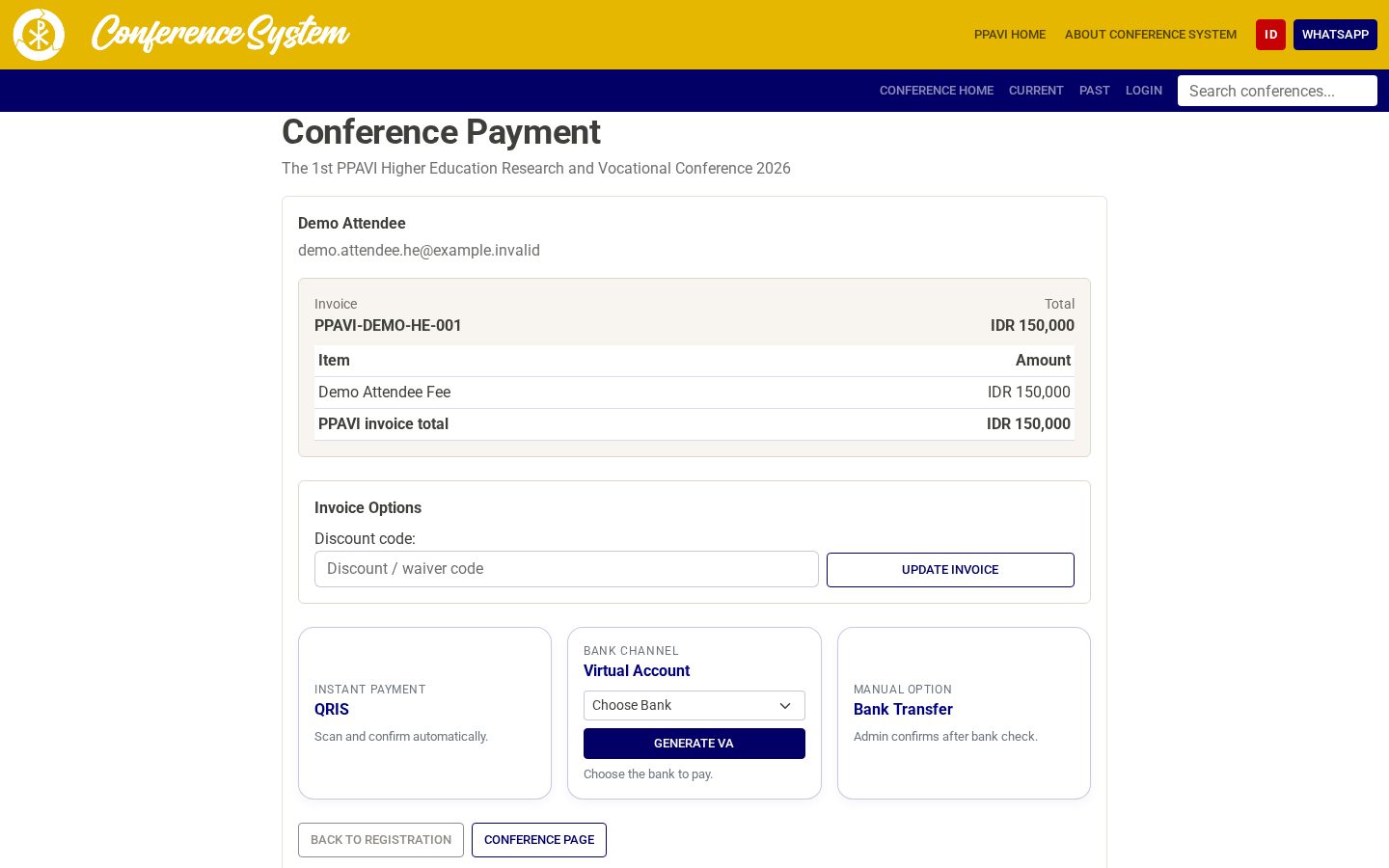
5. Prepare material for the scheduled session
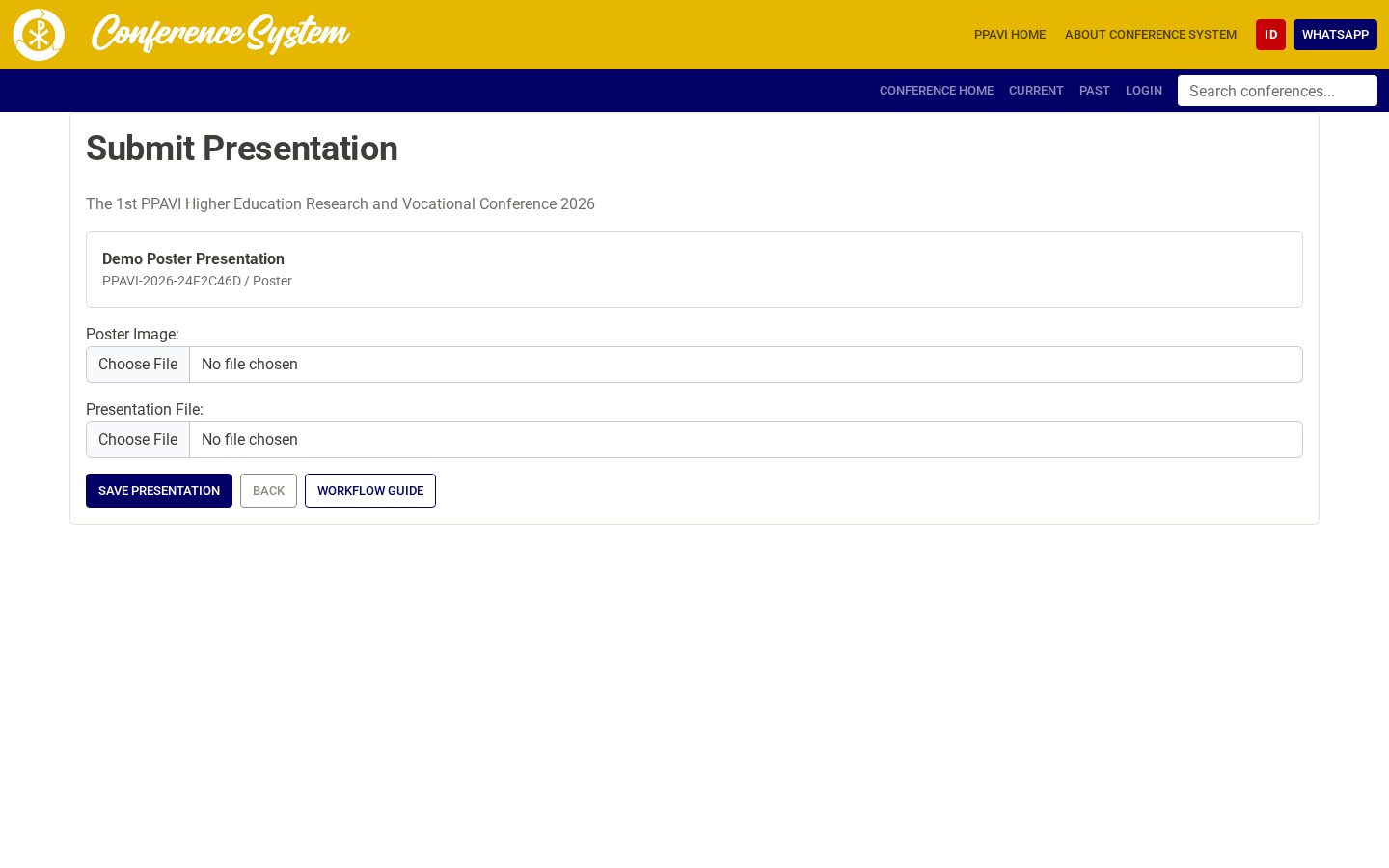
After acceptance and payment or waiver of any required submission fee, open Submit Presentation. The current oral form asks for a video URL and provides an optional presentation-file field for PPTX, PPT, PDF, ODP, or KEY (up to 25 MB). A public YouTube link plays inline; a shareable Google Drive video link is accepted as an external link until organizers process it. For Poster, upload a poster image; the file field is also available where needed. The form does not upload a video binary directly.
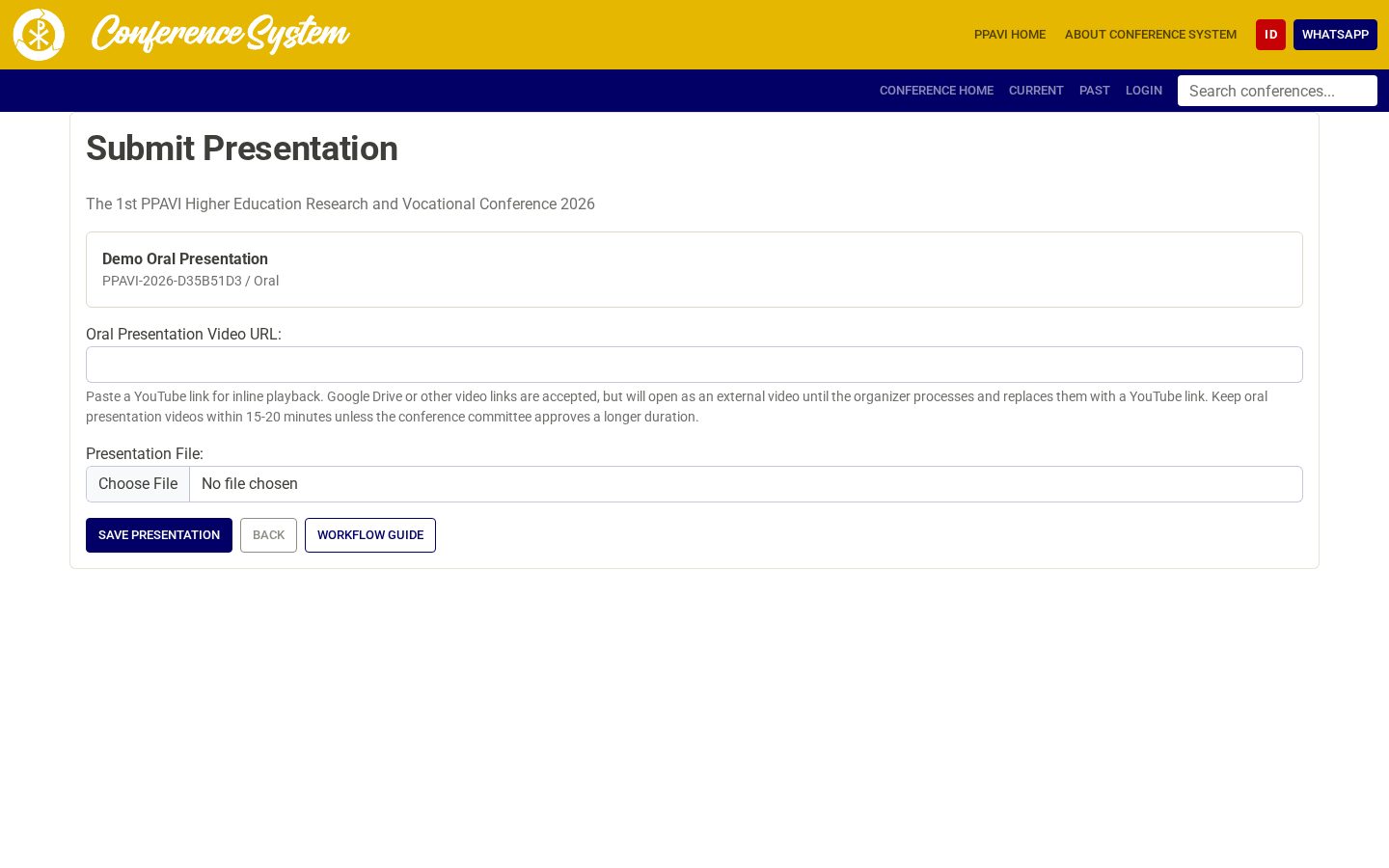
6. Check the program and attend
Use the online program book to check the presentation date, time, room, symposium, track, and topic. Hybrid session links are shown where configured. Onsite participants use their conference ID card for the designated check-in and attendance scans.
7. Follow full-paper and certificate status
If full-paper submission is offered, eligible presenters can upload a manuscript during the announced period. A configured Full Paper APC is invoiced separately from the earlier submission fee. Proceedings editorial work follows as announced by the conference. My Conferences tracks invoices, receipts, submissions, and any certificate made available after presentation is confirmed.
Important notes
- Register once for the conference; choose Oral or Poster for each separate submission.
- Check the online program close to the event for the current room and time.
- Keep a guest registration's private email link confidential.
- Accepted status alone does not remove a required payment gate for presentation material.